What is Marketing Automation Workflow?
A marketing automation workflow is a structured sequence of automated actions and decision rules that guides contacts through a defined communication path based on their behavior, profile data, and stage in the customer journey. It typically links triggers (for example, a form submission, badge scan, QR code interaction, or meeting booked at a trade show stand) with follow-up steps such as email messages, task creation for sales, segmentation updates, lead scoring changes, and reporting.
In event marketing and trade fairs, a marketing automation workflow connects the physical brand experience with digital follow-up. It helps teams respond consistently and quickly to real interactions that happen at the stand, in a showroom, or during a roadshow. Instead of relying on manual notes and delayed outreach, workflows turn on-site engagement into timely, relevant communication while preserving brand consistency across touchpoints.
What are the main goals of a Marketing Automation Workflow?
The core purpose of a workflow is to standardize and scale communication without losing relevance. In offline contexts, it also reduces the gap between a face-to-face conversation and the next step in the relationship.
-
capture and structure event leads using consistent data fields and consent status,
-
route contacts to the right owner (sales, partner management, customer success) based on territory, product interest, or account tier,
-
deliver timely follow-up that reflects what was discussed at the stand or demo zone,
-
support qualification with scoring and staged nurturing, aligned with sales readiness,
-
measure outcomes by linking event interactions to pipeline and revenue attribution (where tracking and CRM integration allow it).
Benefits in trade shows, events, showrooms, and roadshows
When the workflow is designed around the actual visitor journey, it improves both operational efficiency and the perceived quality of the brand experience. This is especially relevant when teams operate across multiple events and need repeatable standards.
-
faster response time after an event, which is commonly associated with higher conversion in lead management practices,
-
more consistent messaging across channels, supporting a coherent brand narrative from booth interaction to post-event content,
-
better segmentation, enabling different tracks for decision-makers, technical evaluators, partners, or existing customers,
-
reduced manual work for teams on the floor, so staff can focus on conversations and demos rather than data entry,
-
improved learning loop, because workflow analytics can highlight which stand activities and content assets lead to qualified meetings (subject to data completeness and attribution method).
Key challenges and limitations
Automation does not replace strategy or human interaction. The strongest limitation in event scenarios is not the toolset but the quality of inputs and the discipline of execution during busy hours.
-
data quality and standardization challenges, including inconsistent naming, missing product-interest tags, and duplicate records,
-
privacy and consent compliance requirements, especially when capturing leads via scans, tablets, or shared devices,
-
integration complexity between badge scanning apps, CRM, and automation platforms,
-
attribution gaps, because offline influence is often multi-touch and not fully captured by a single trigger,
-
over-automation risks, where excessive messaging can feel impersonal if not aligned with the tone of the in-person conversation.
How Marketing Automation Workflow is used at trade shows and events
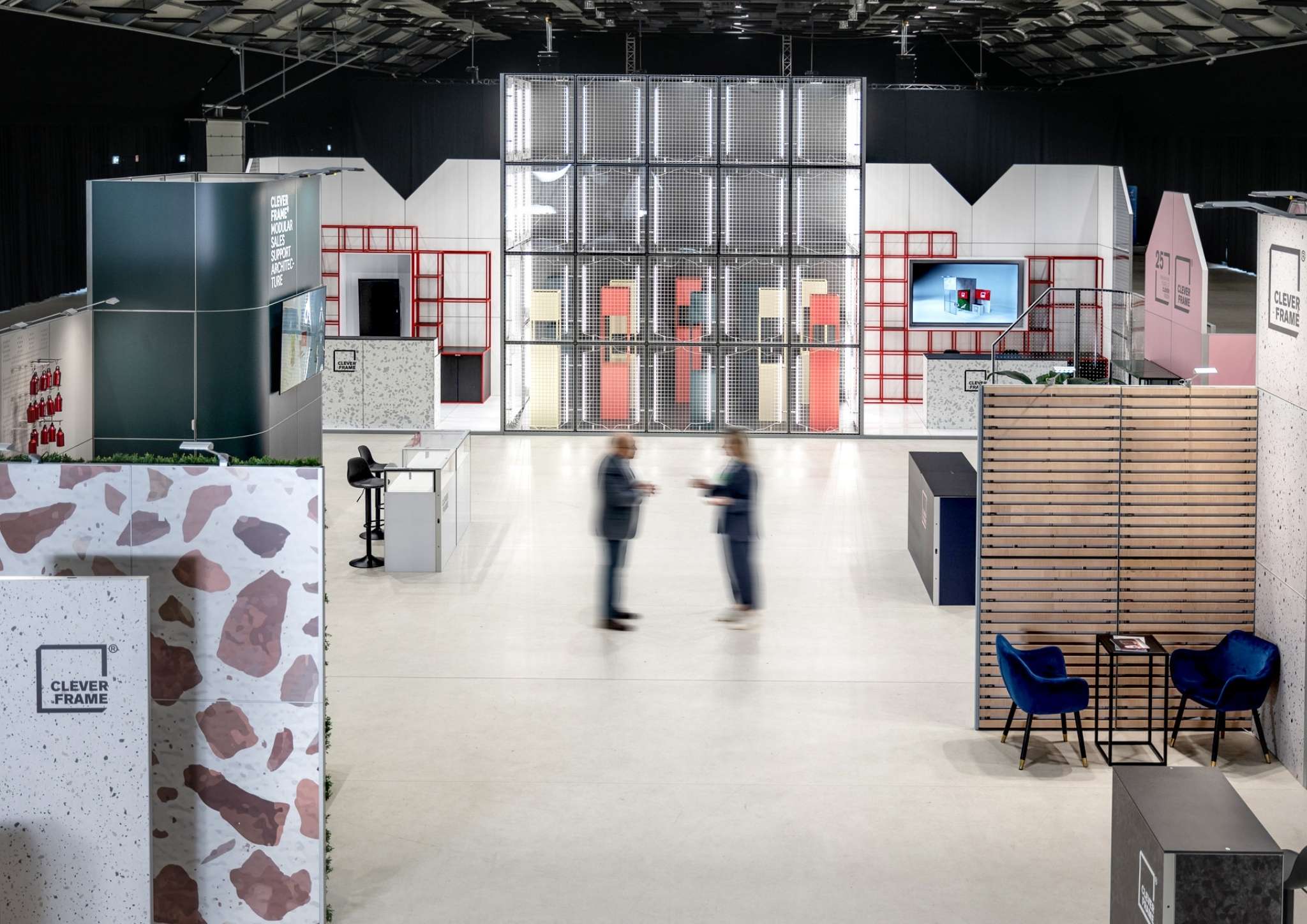
At a trade show, the workflow should mirror the real flow of the stand experience: approach, discovery, demo, proof, and next step. Visitor flow matters because it determines what data can realistically be captured and which micro-conversions make sense (for example, booking a meeting versus downloading a brochure). A well-planned physical layout supports clean data capture points, such as a clear demo area, a meeting corner, and a frictionless check-in interaction.
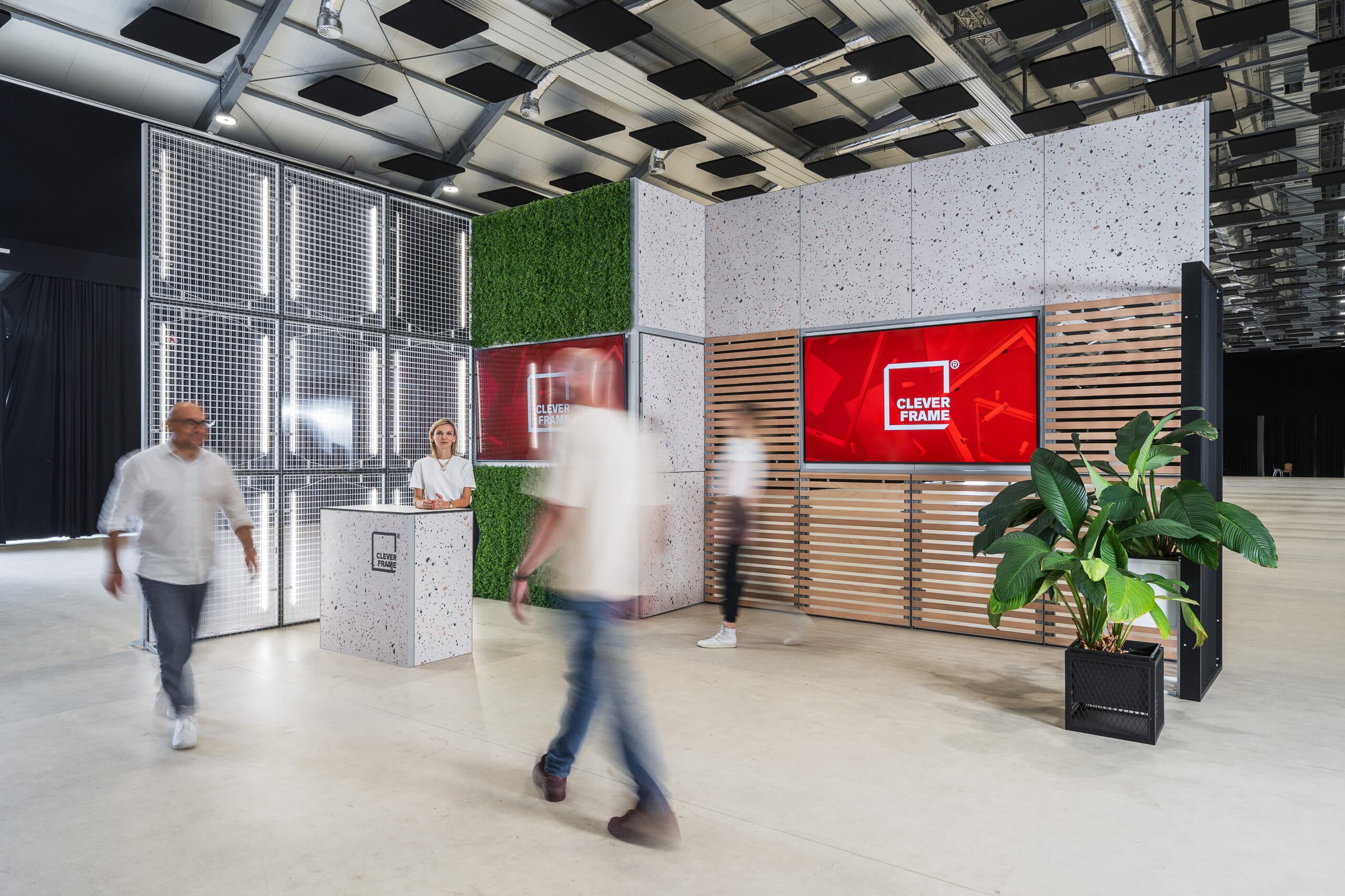
Visual consistency is part of the workflow as well, because the message visitors see at the stand influences the tags and pathways they enter. Clever Frame trade show stands can support fast message adaptation thanks to a magnetic construction that enables quick replacement of graphic panels. This can make it easier to align on-site visuals with the specific workflow track (for example, different panels for product lines, industries, or campaign phases) while keeping the structure consistent. Tool-free assembly and disassembly can support repeatable deployment across venues, which helps teams maintain stable processes for check-in, demos, and lead capture.
Practical examples of Marketing Automation Workflow
Below are workflow patterns often used in event marketing. They work best when the team agrees on definitions (for example, what qualifies as a “hot lead”) and when the physical experience supports the intended next step.
1. Pre-event activation and meeting setting
A pre-event workflow can start when a contact registers for the event or downloads a meeting invitation. It then segments by persona and sends timed messages that help visitors plan their time, with clear calls to book a slot. For high-value accounts, the workflow can create tasks for sales to confirm meetings, share a calendar link, and prepare a tailored demo narrative.
2. On-stand interaction to immediate follow-up
During the event, triggers can include badge scans, QR code scans tied to specific content, or a short form on a tablet. The workflow assigns an interest category (for example, “product A demo requested”) and sends a concise follow-up within hours, referencing the topic discussed and offering the next best action. Internally, it can notify the assigned owner and create a CRM activity so the conversation is documented while details are fresh.
3. Post-event lead nurturing with content aligned to the stand story
After the event, a nurturing workflow can deliver a short sequence based on engagement depth: attendees who requested pricing receive a different track than those who only asked for a brochure. The content should reflect the same value proposition presented in the physical space, reinforcing recognition and trust. If the stand graphics emphasized a specific solution, the digital sequence should use the same terminology and proof points to avoid message drift.
4. Roadshow and showroom continuity
In a roadshow or showroom context, workflows support continuity across locations. The same structure can tag interactions by city, audience segment, and demo type, then compare conversion rates across stops. When visuals are adapted to each venue, quick replacement of graphic panels can help keep the narrative locally relevant while preserving a consistent brand framework and data model.
See also
-
modular trade show stand
-
visitor flow
-
brand experience
-
sustainable exhibition design